
Download
Install in 10 seconds
One click from the Chrome Web Store. No account needed and no setup wizard. Chrome will say Adless can "read and change all your data on all websites" — that is one content script that hides cookie banners and runs the Security Shield's on-device scam detectors, which is why it has to be registered on every site: a phishing page can be any page. The full reason is on our privacy page.
Works with Chrome, Brave, Edge, and all Chromium browsers
Three steps
How it works
Click 'Add to Chrome'
Chrome asks you to confirm, and will mention reading data on all websites — that is the cookie-banner hiding and the Security Shield's on-device scam detectors, explained in full on our privacy page.
Browse normally
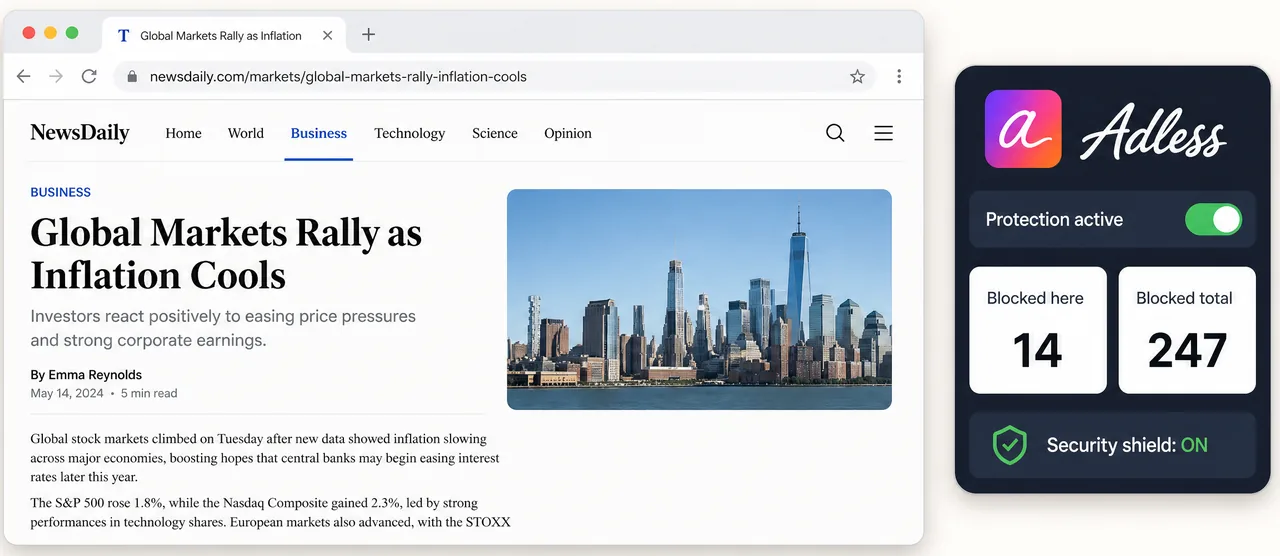
Ads disappear immediately. YouTube loads cleaner. Cookie banners vanish.
Customize (optional)
Click the Adless icon to adjust YouTube grid, toggle categories, or upgrade to Pro.
Works everywhere Chromium runs
Compatibility
Chrome
v121+
Edge
v121+
Brave
v1.61+
System requirements
A Chromium-based browser on Chrome 121 or newer — that is what the extension's manifest requires, and older builds cannot install it. Uses less than 2MB of memory. No background processes when idle.